👾✨ **Monster Doodle Page
Dive into a world of cute chaos with the Monster Doodle Page — a highly detailed, fun, and whimsical digital coloring page packed with quirky characters, tiny creatures, silly monsters, snacks, stars, doodles, and tons of playful elements.
Perfect for Procreate artists, digital colorists, beginners, and anyone who loves extra-detailed pages that keep your creativity flowing.
💥 What Makes This Monster Page Special
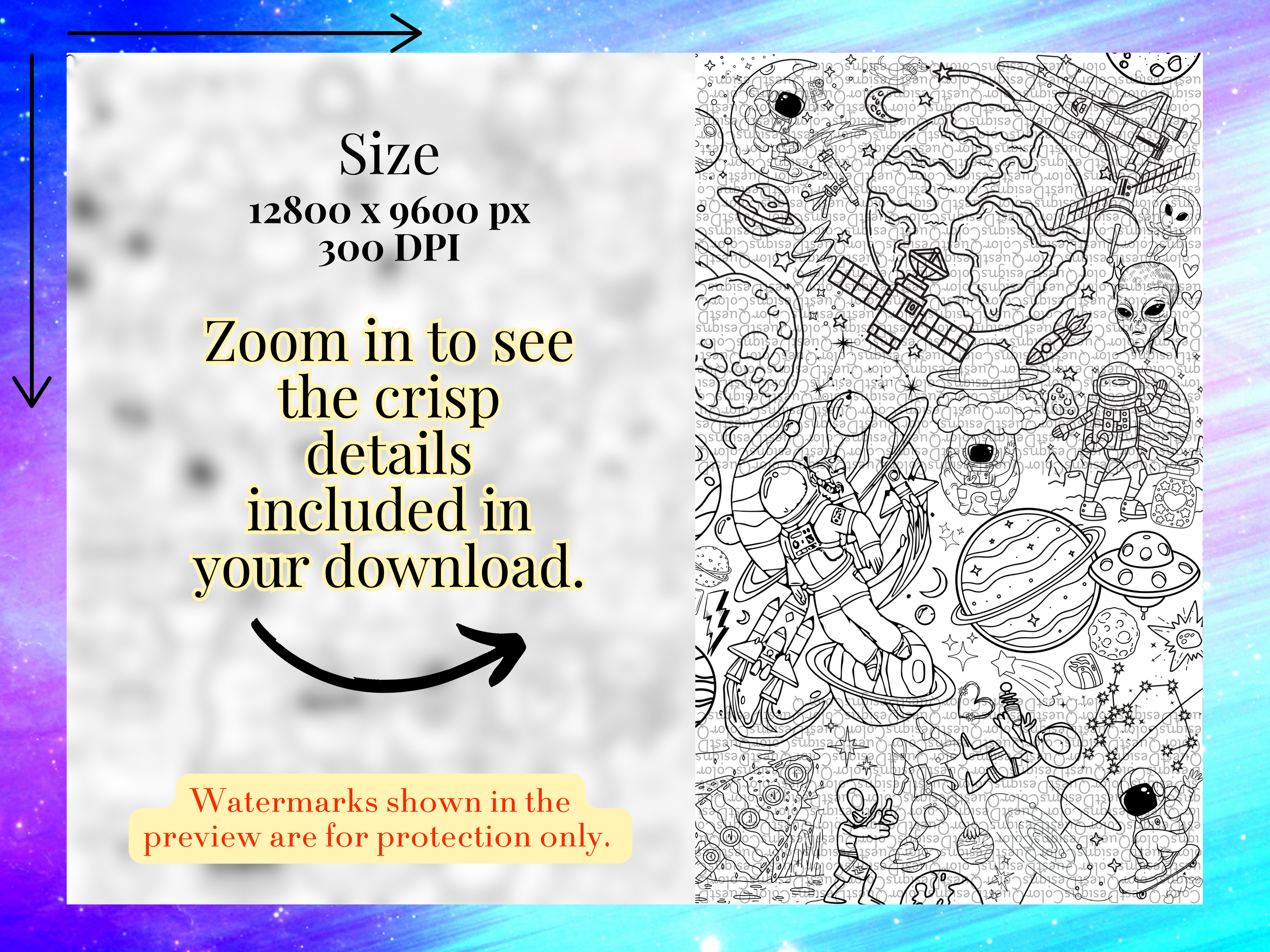
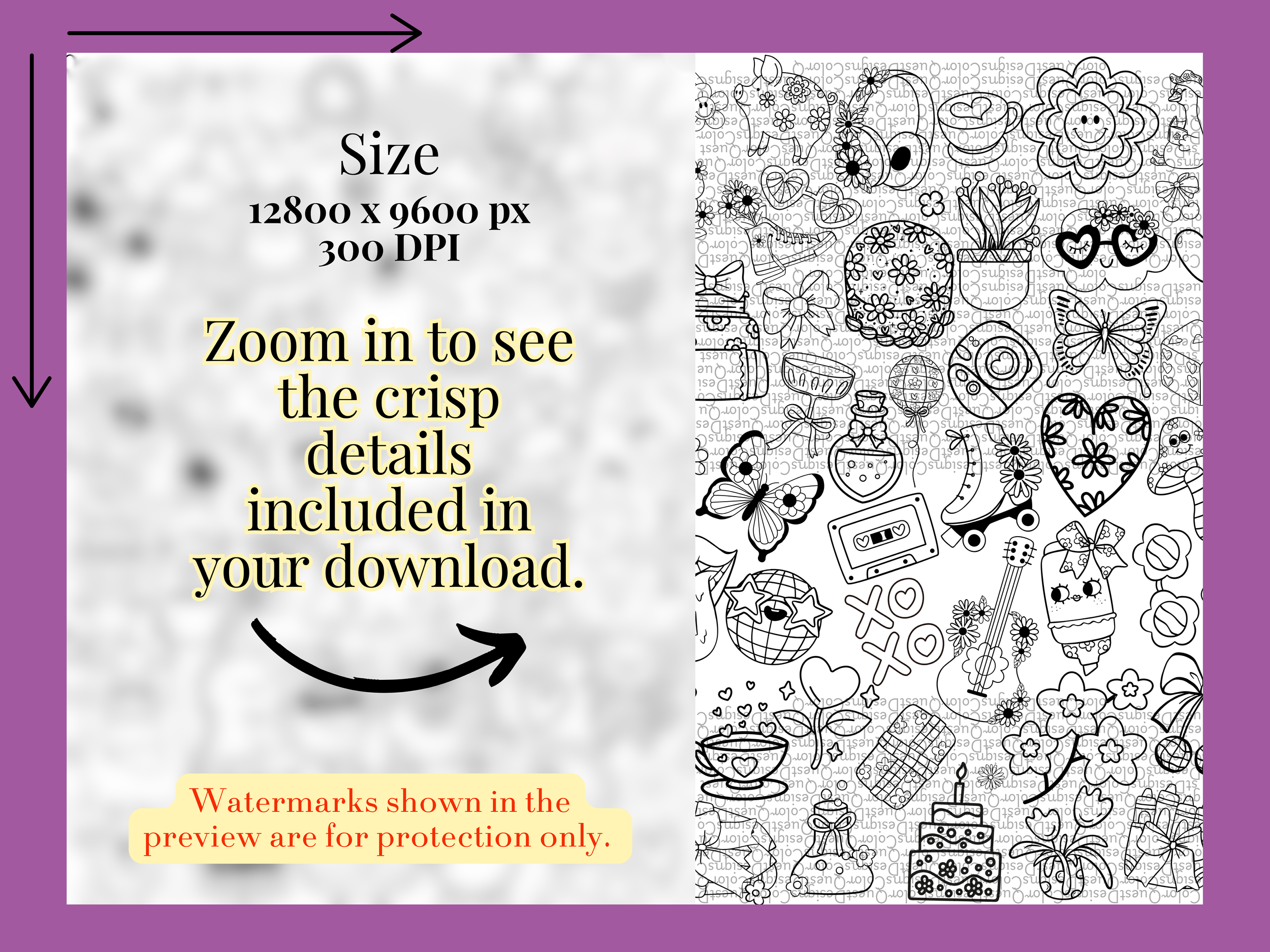
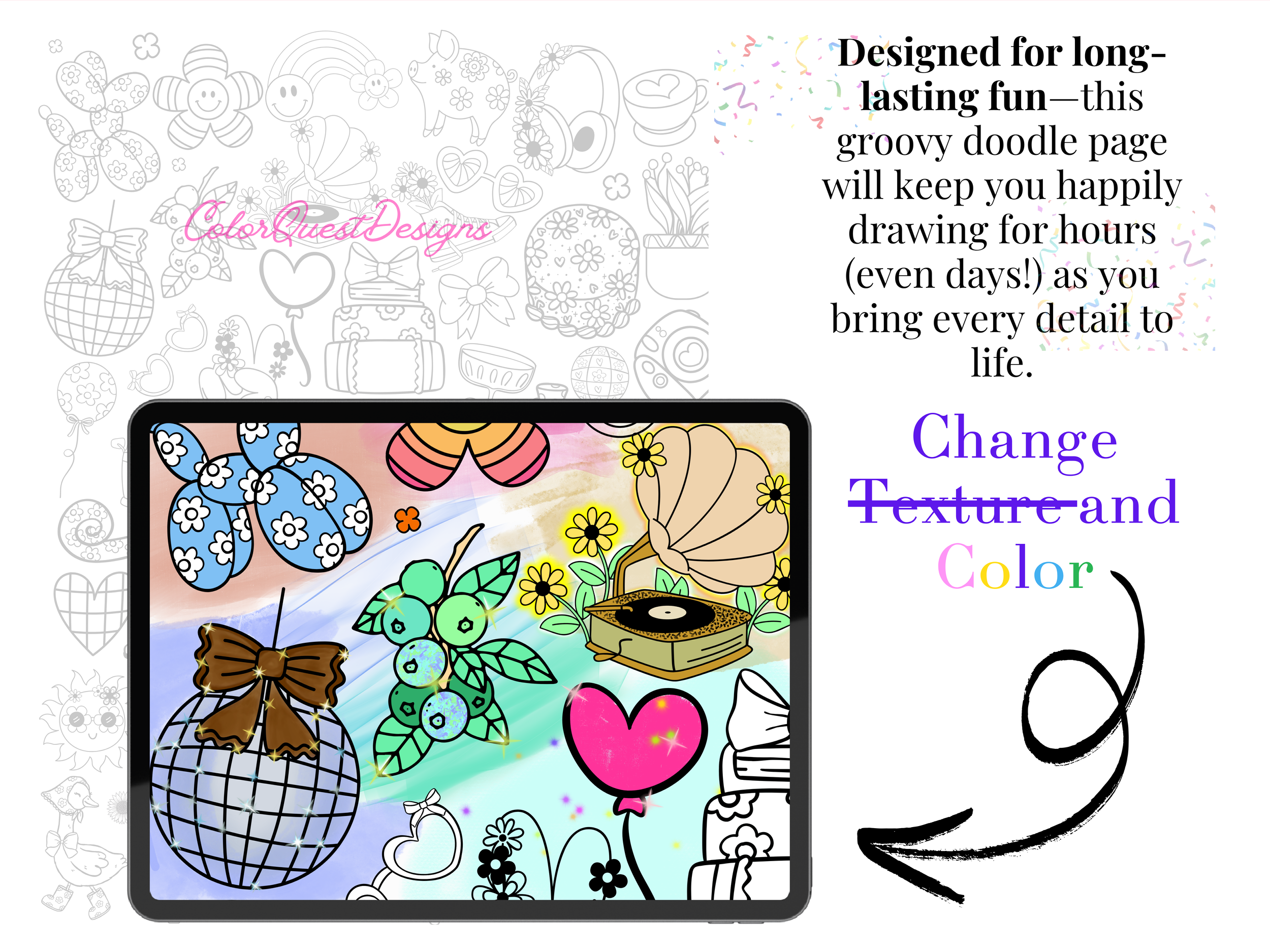
Ultra-detailed PNG — so much detail that most people finish it over several coloring sessions
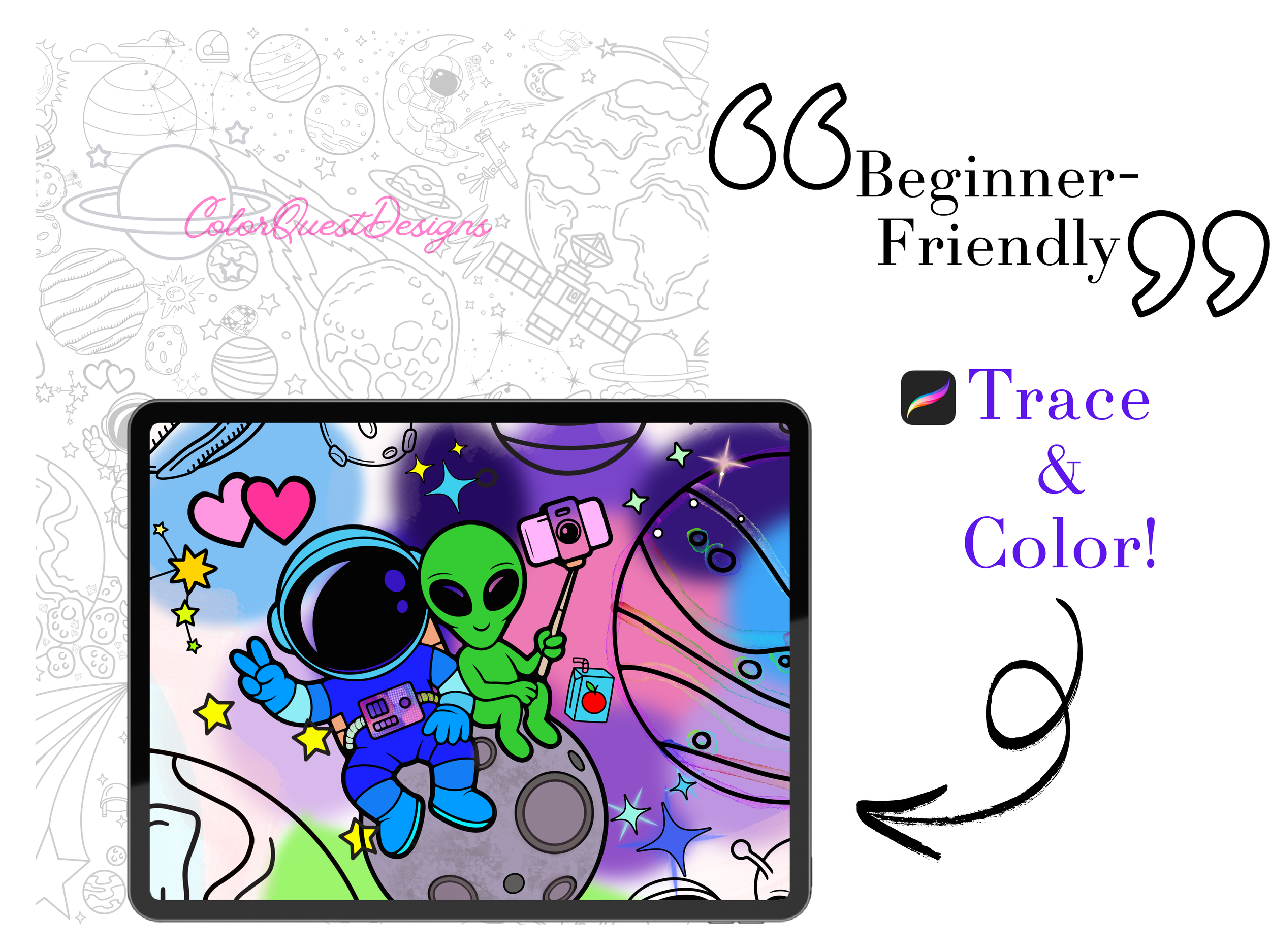
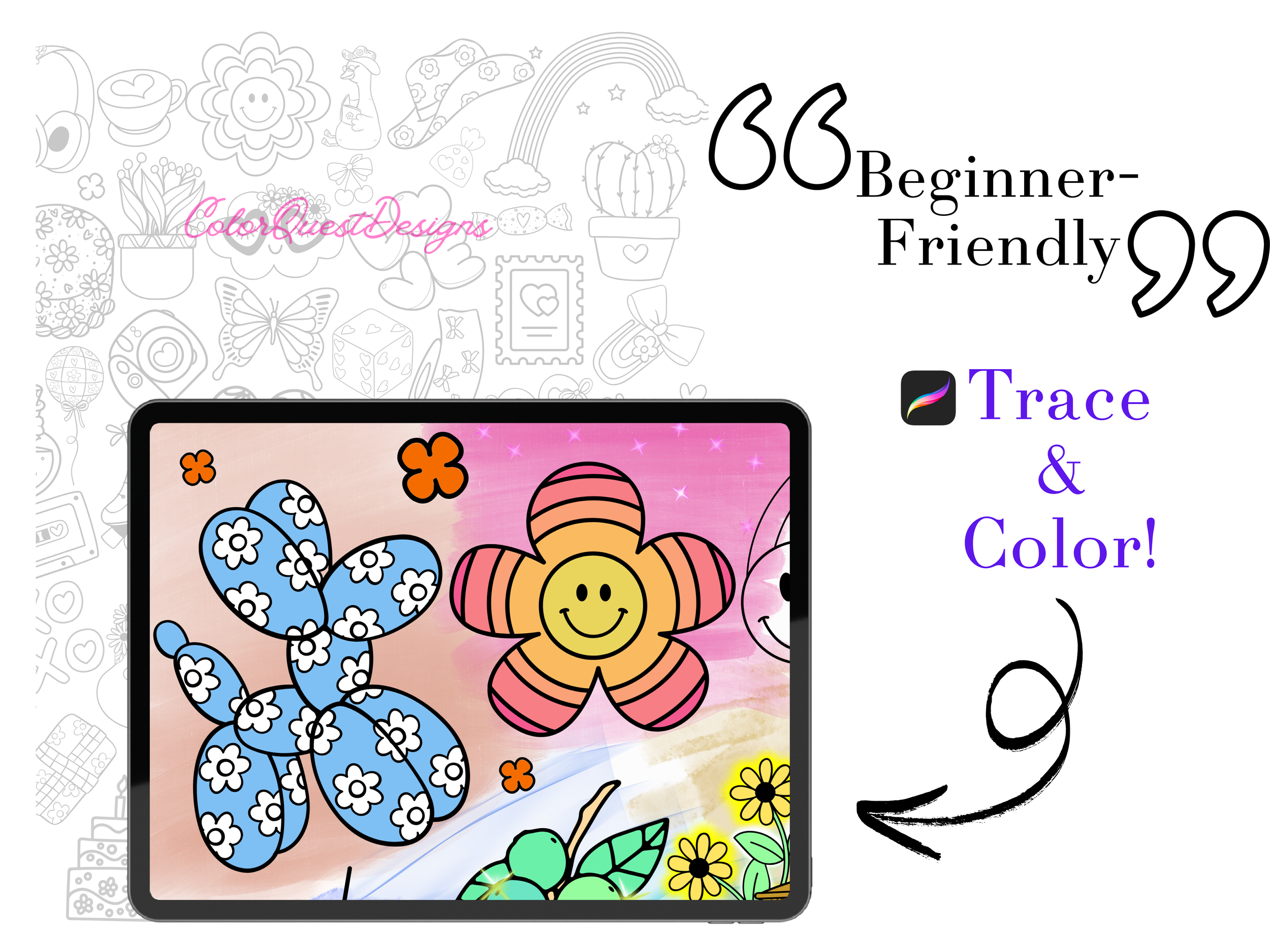
Beginner-friendly + relaxing
Works beautifully with Procreate, iPad, or any digital coloring app
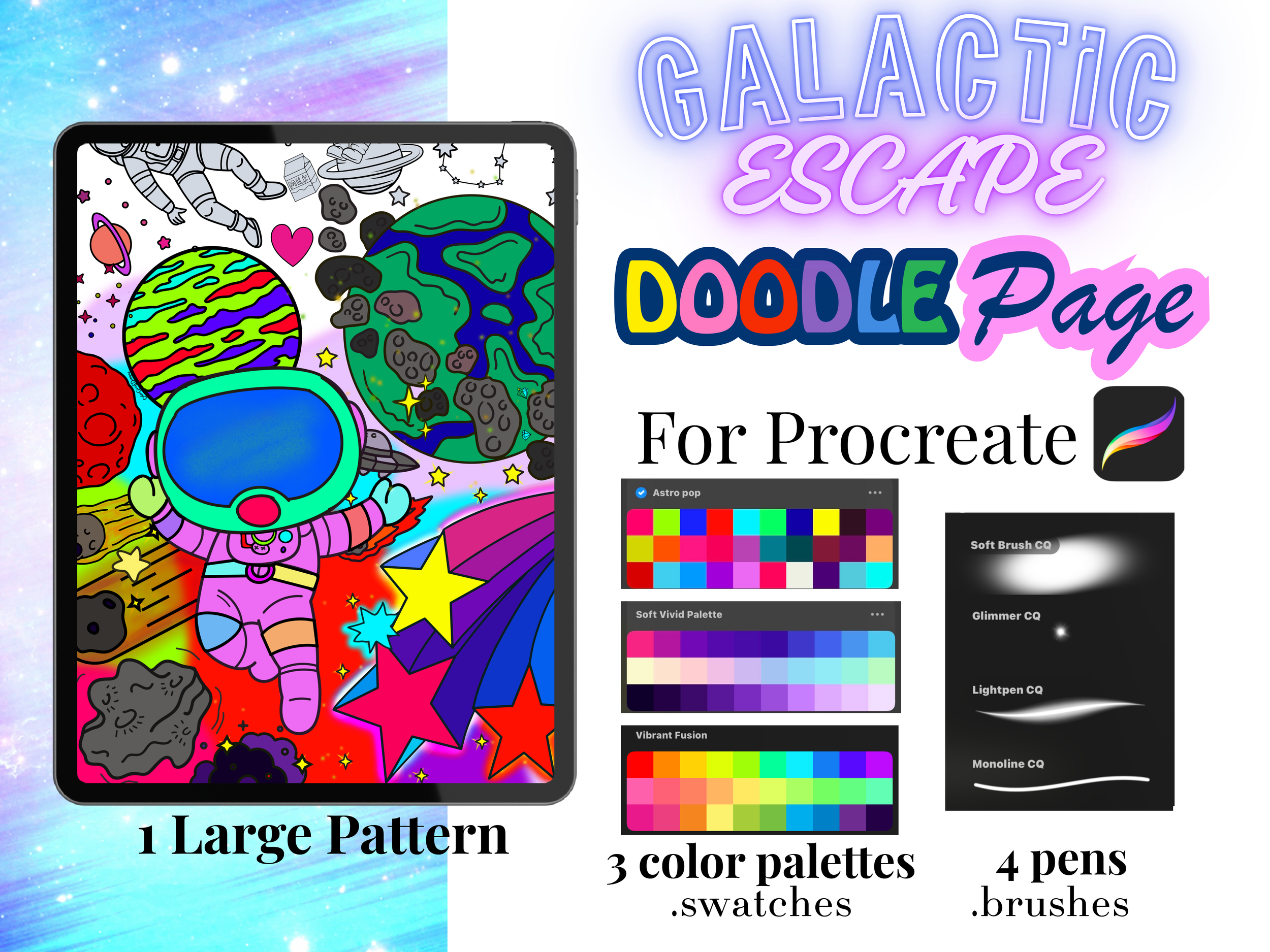
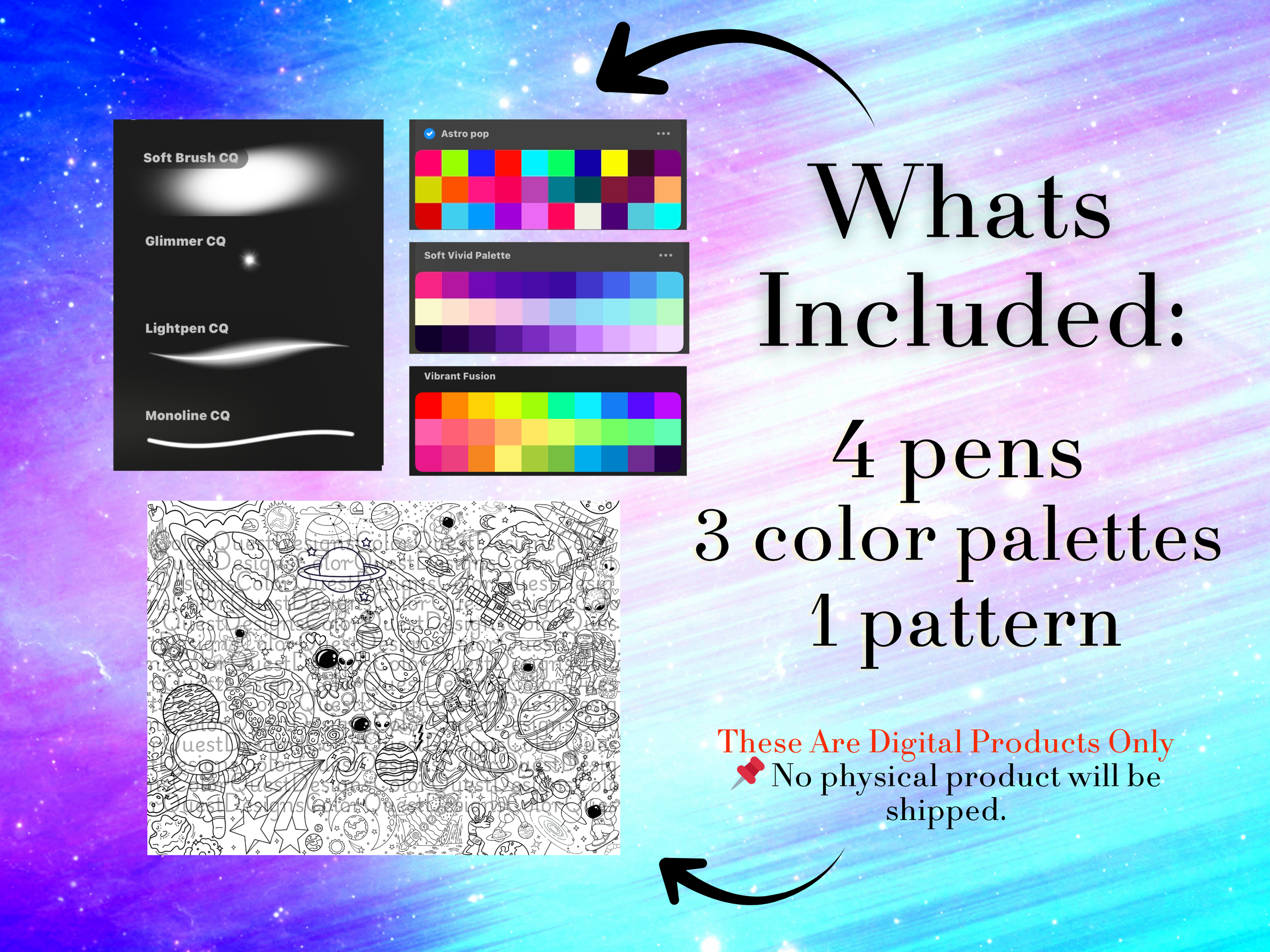
Includes custom Procreate brushes for clean, smooth coloring
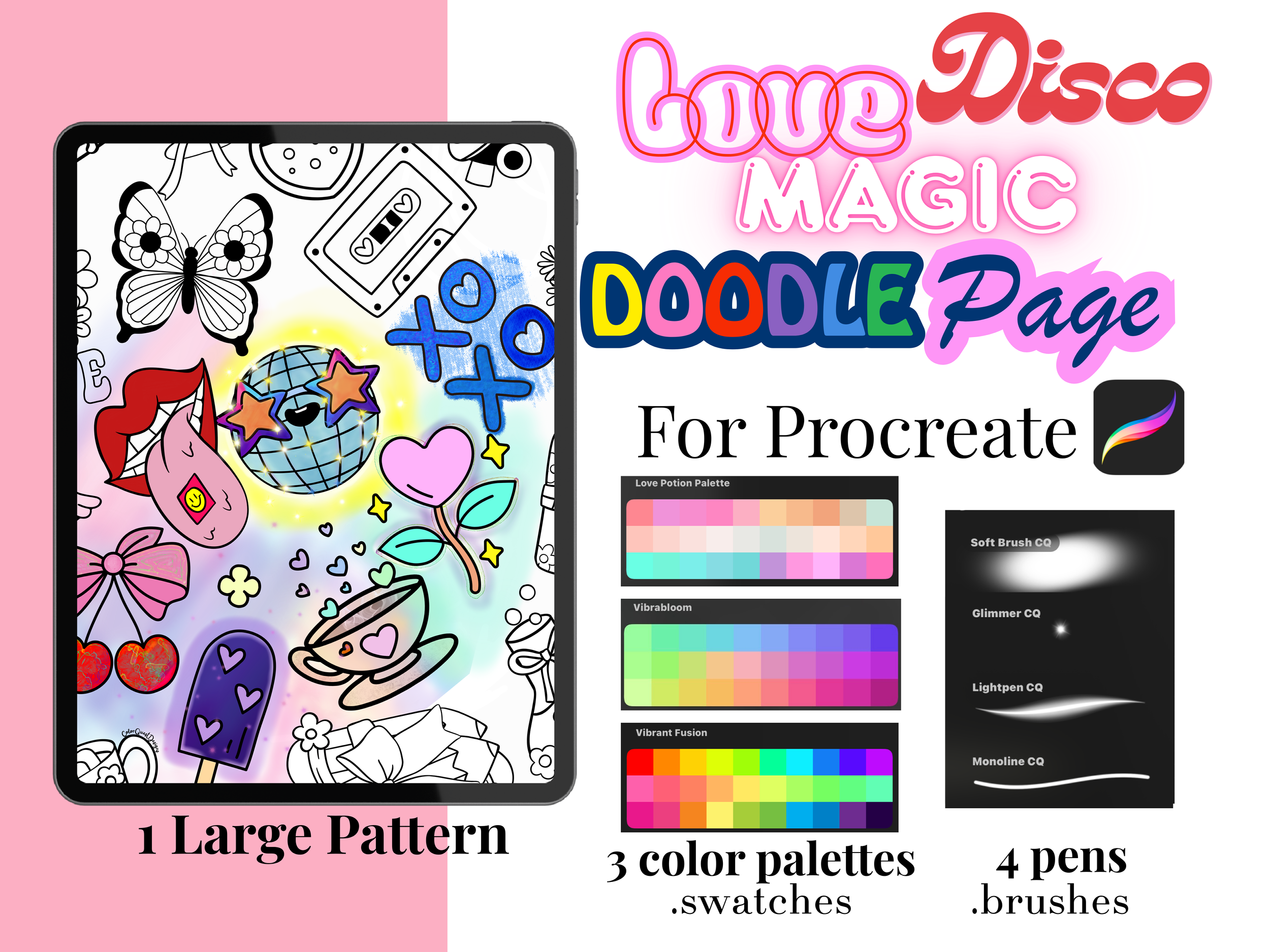
Comes with 3 color palettes created for this doodle:
Vibrant Fusion Palette
Soft Vivid Palette
Monsters Palette
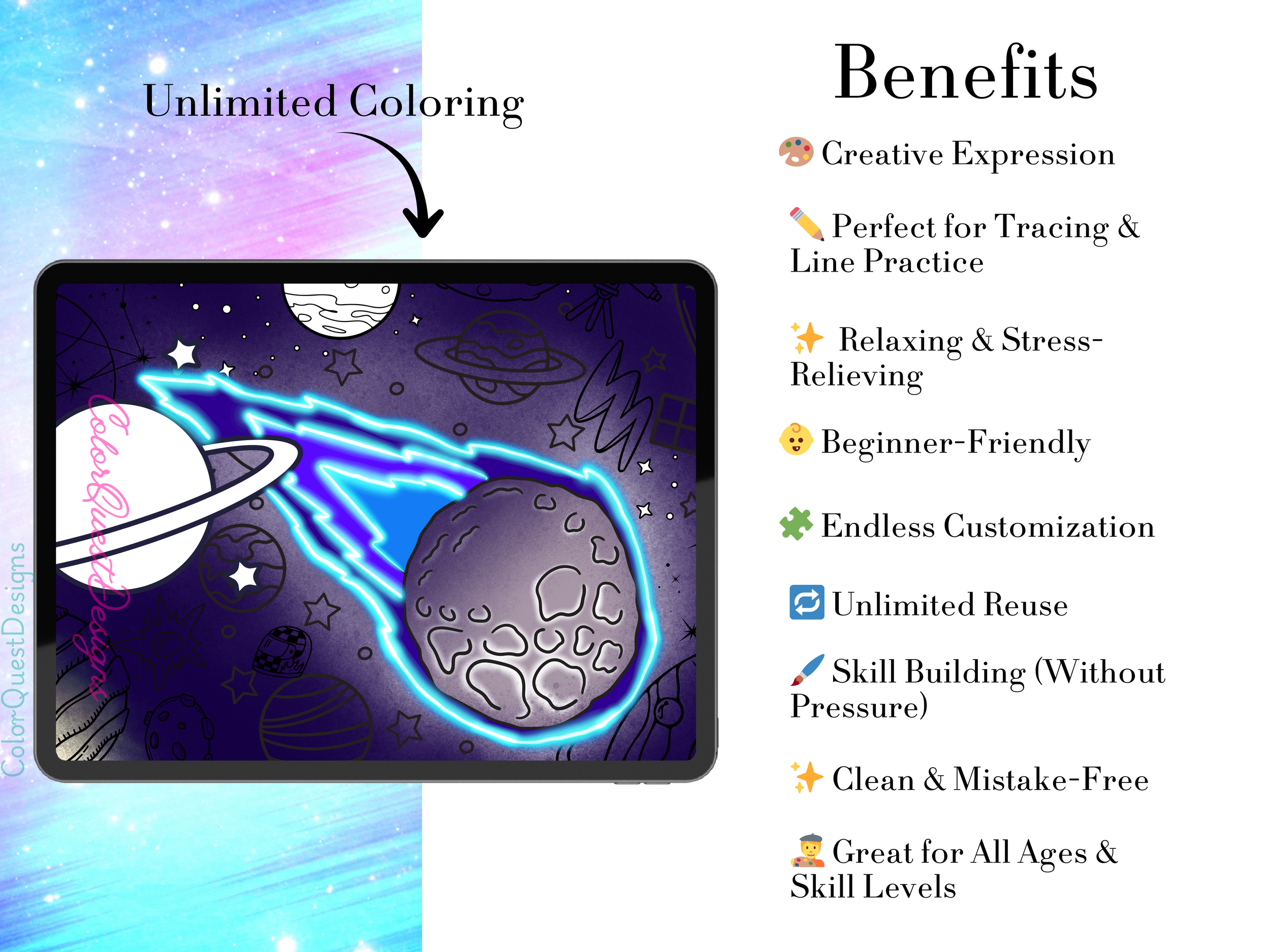
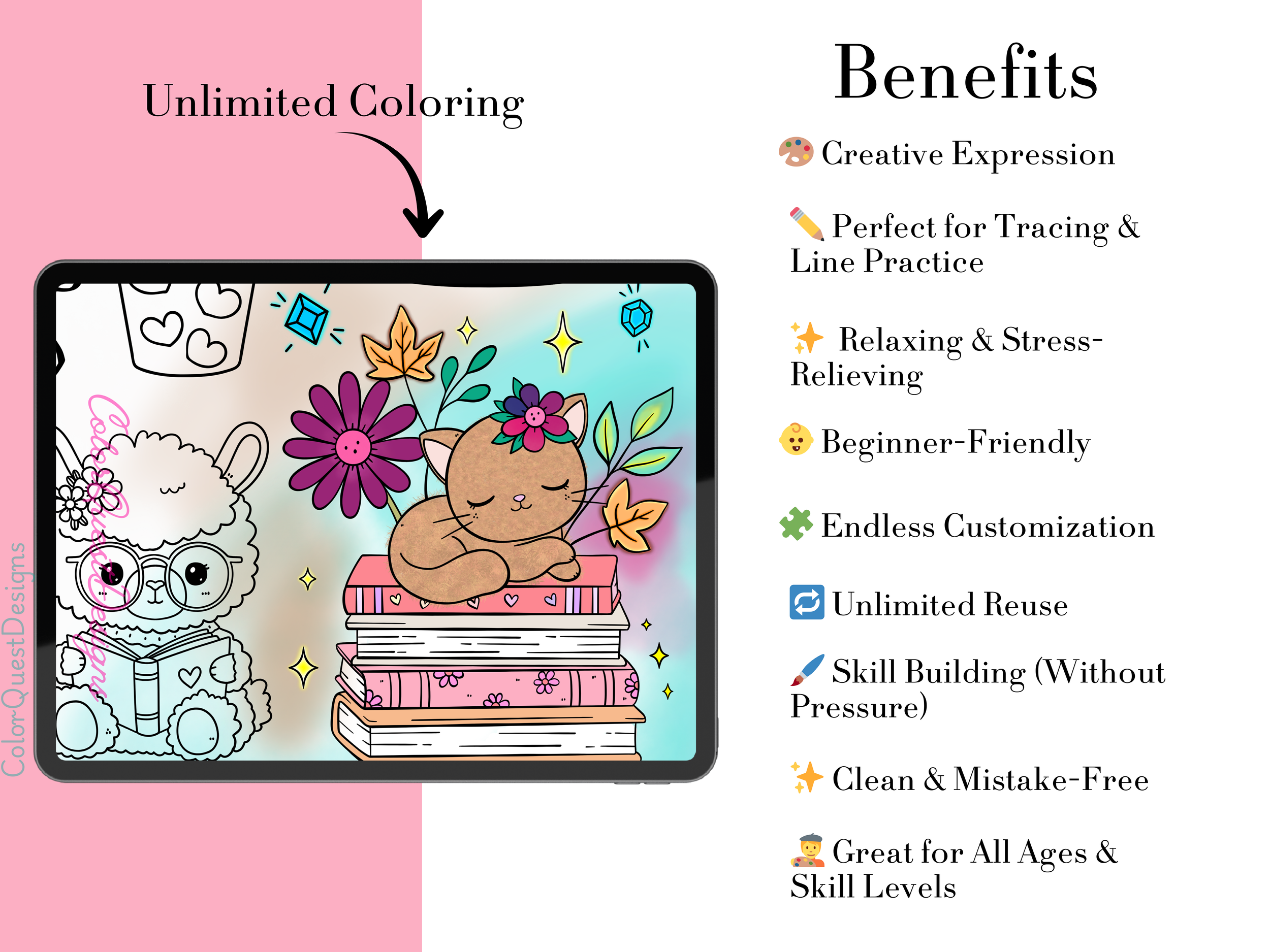
Encourages creativity, stress relief, and long coloring sessions
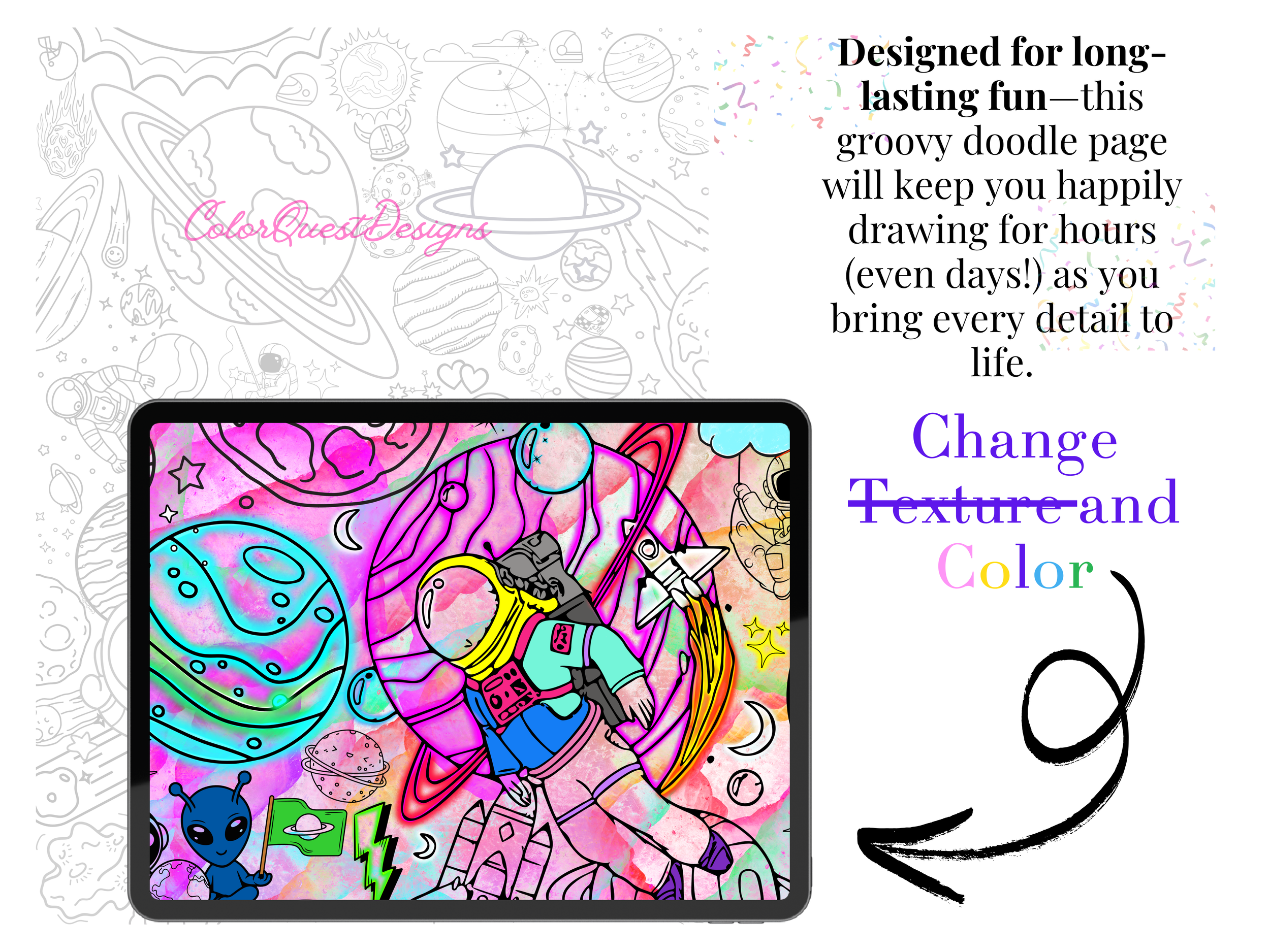
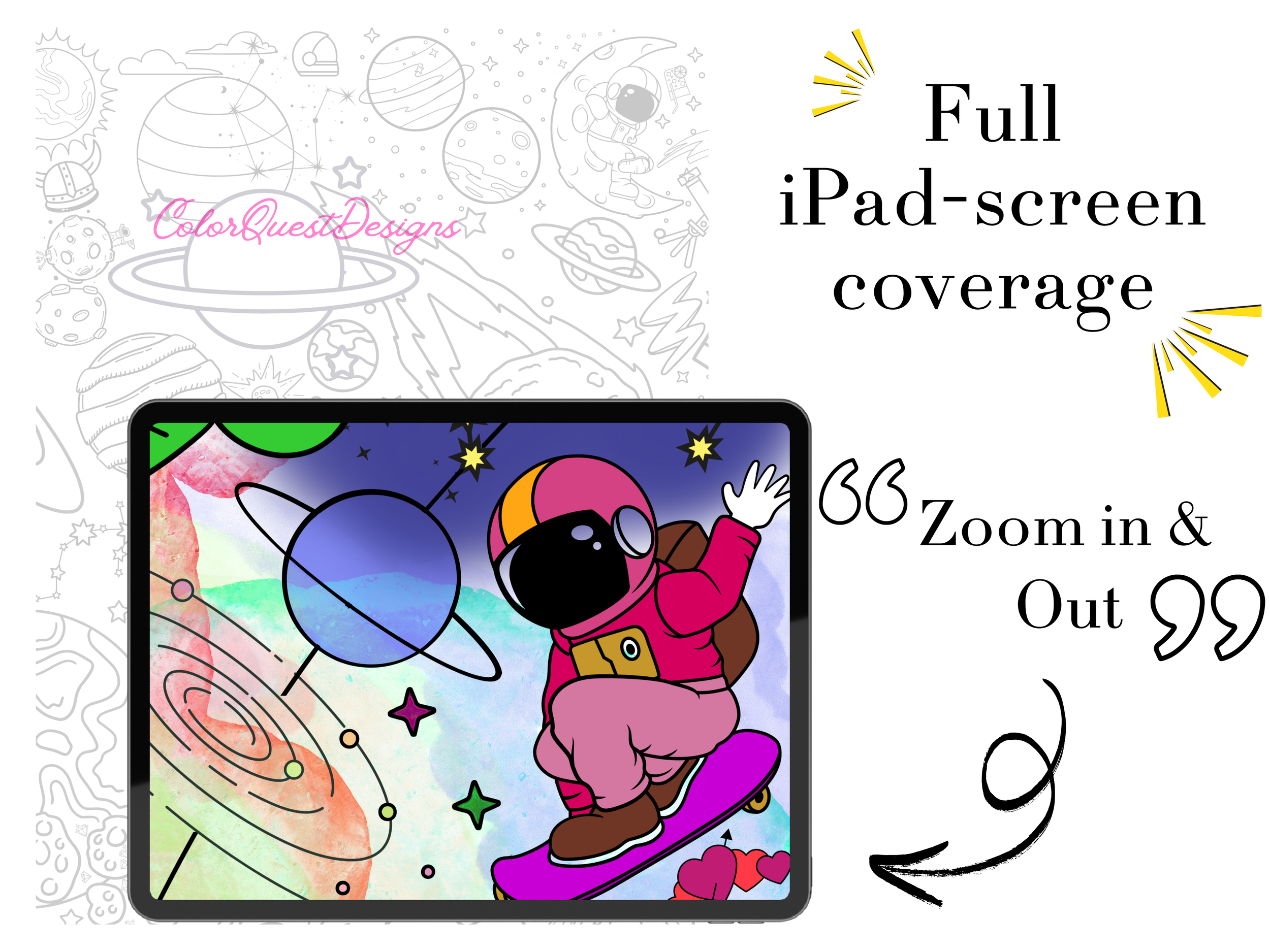
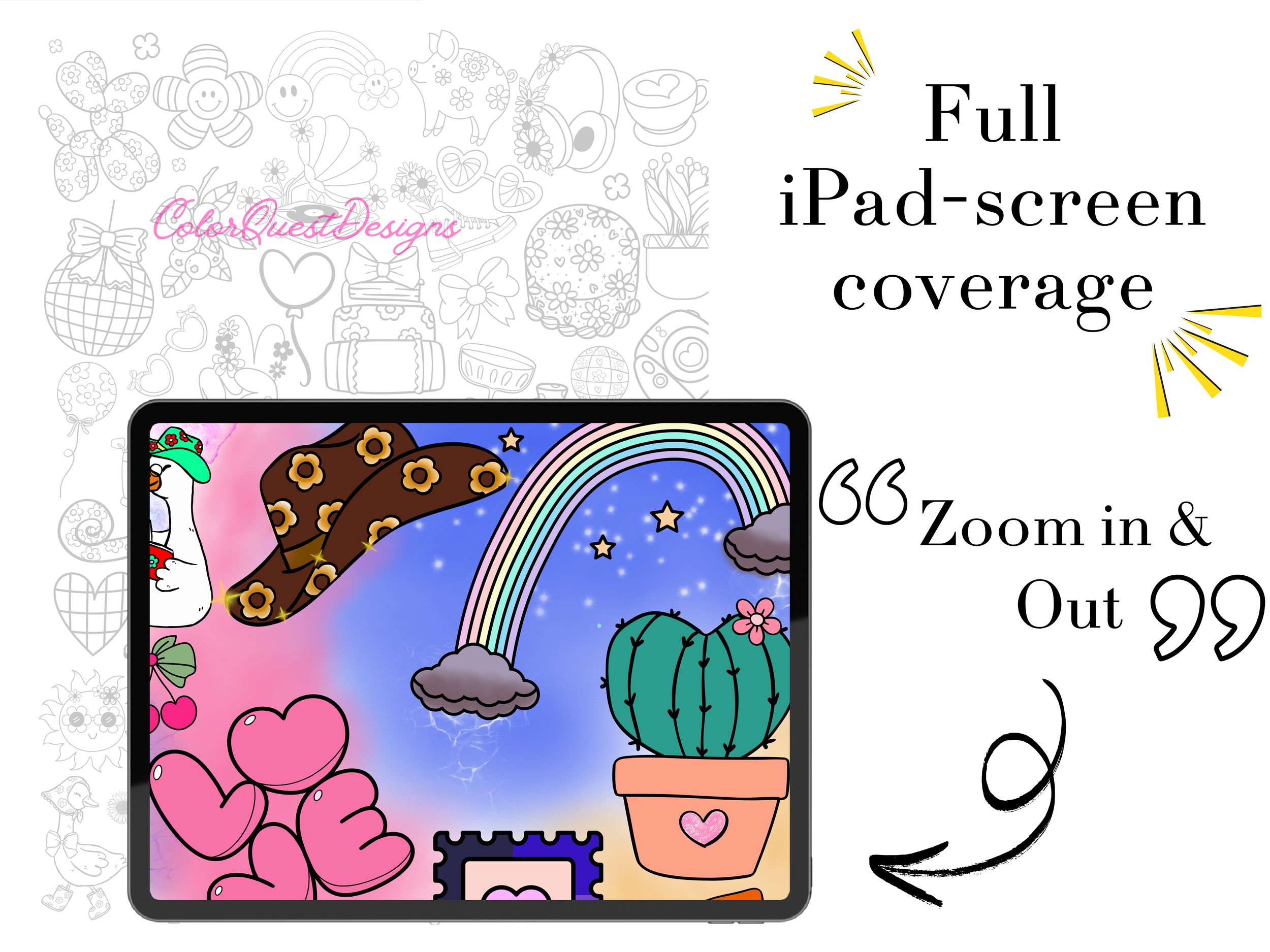
This page is specially designed to keep you engaged — you can zoom in to color tiny characters, hidden details, and every little pattern.
It’s truly a “hours of fun” coloring experience.
📦 What You Receive
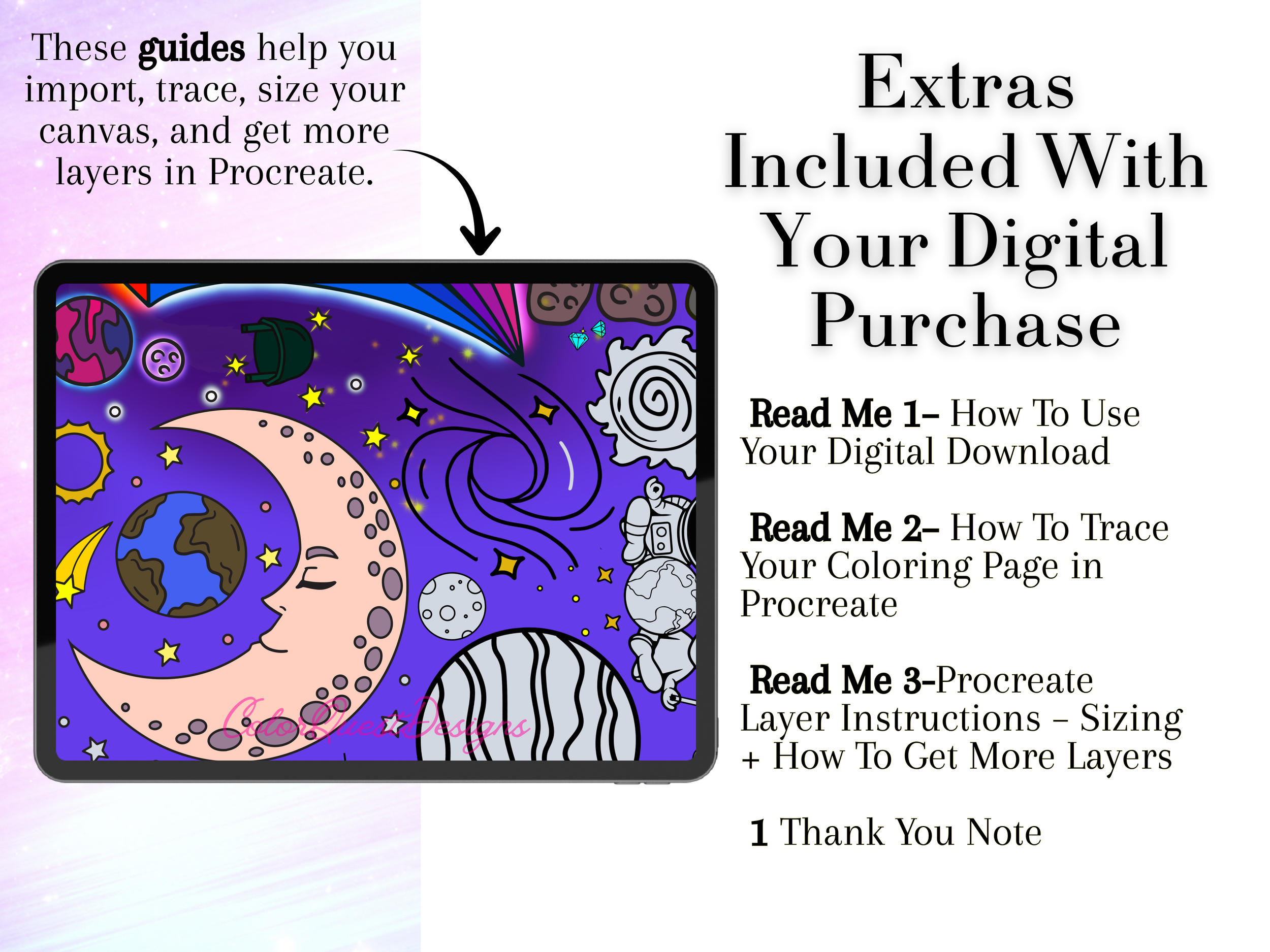
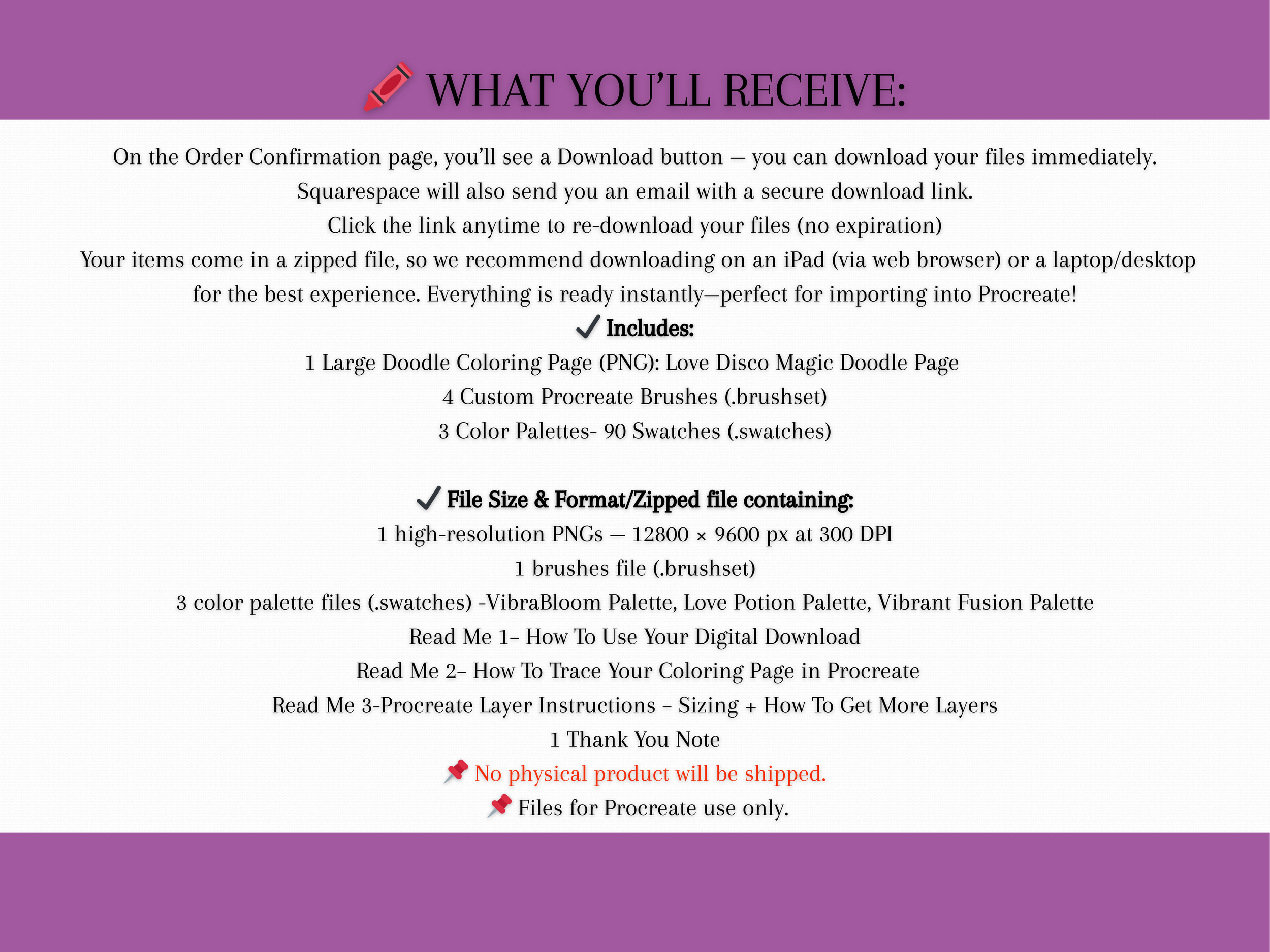
You’ll automatically get a ZIP file containing:
✔1 High-Resolution Monster Doodle PNG (no heavy watermark — only one tiny brand mark)
✔3 Procreate Color Palettes (.swatches)
✔Procreate Brushes (.brush / .brushset)
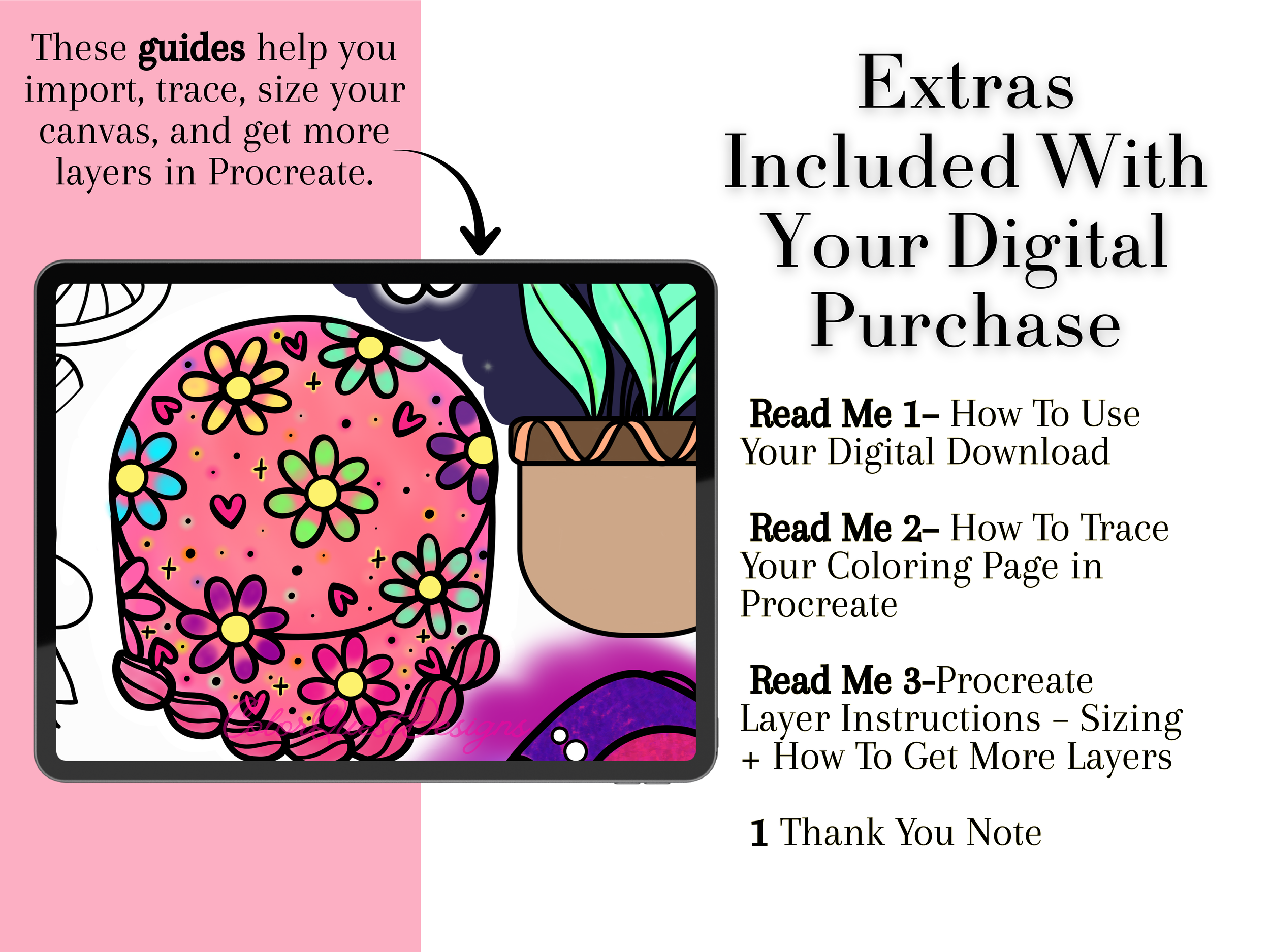
✔Quick Procreate import guide
📥 How Downloads Work on Squarespace (Instant Access)
After purchasing from my Squarespace website:
At checkout, you will be taken to the Order Confirmation page.
A Download button will appear — click it to instantly download your ZIP file.
You will also receive an email with a secure download link.
You can re-download your files anytime—no expiration.
If you made a customer account on my site, the files will also appear under:
Your Account → Downloads
Super simple, no waiting.
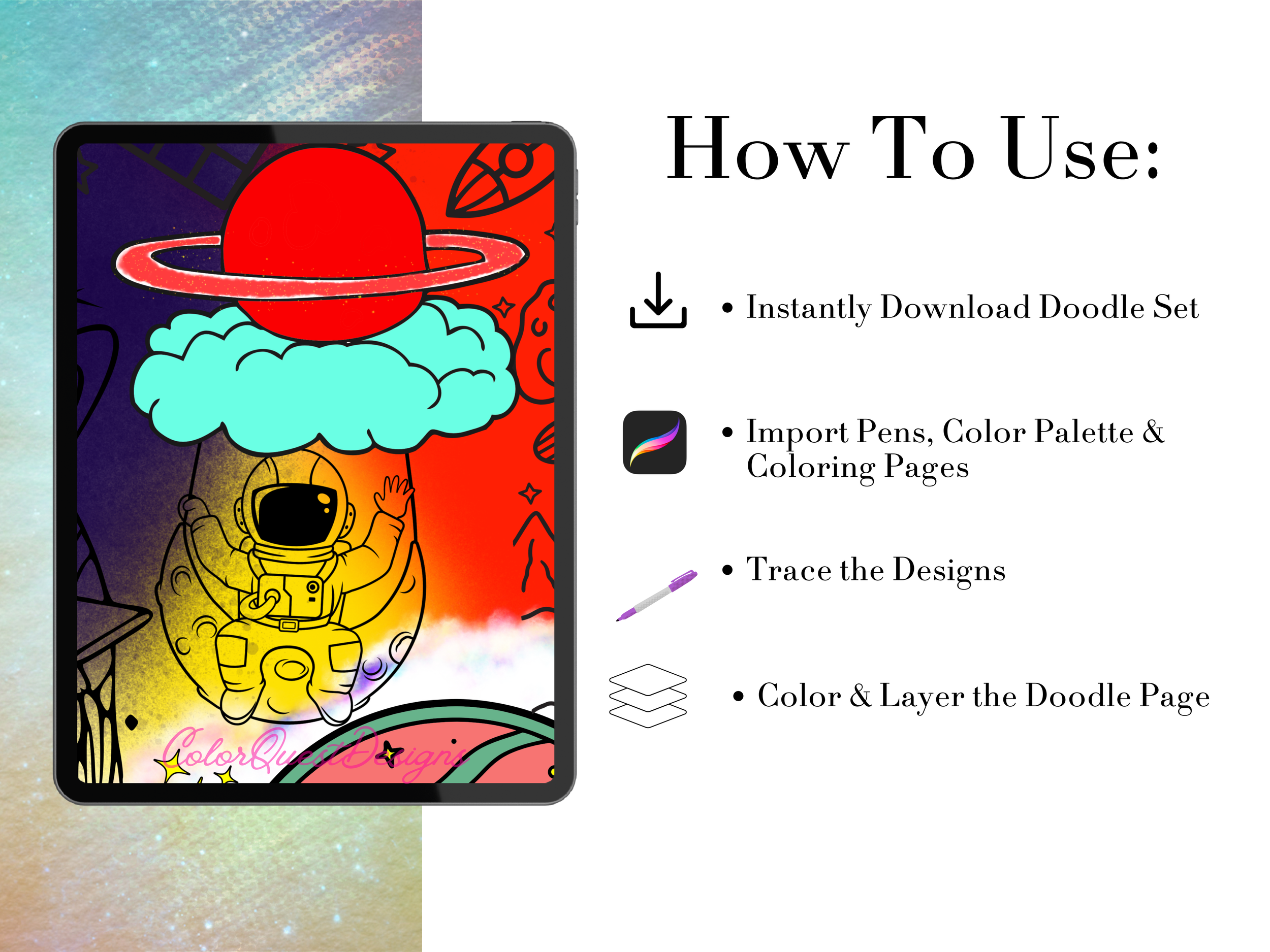
🎨 How to Import into Procreate
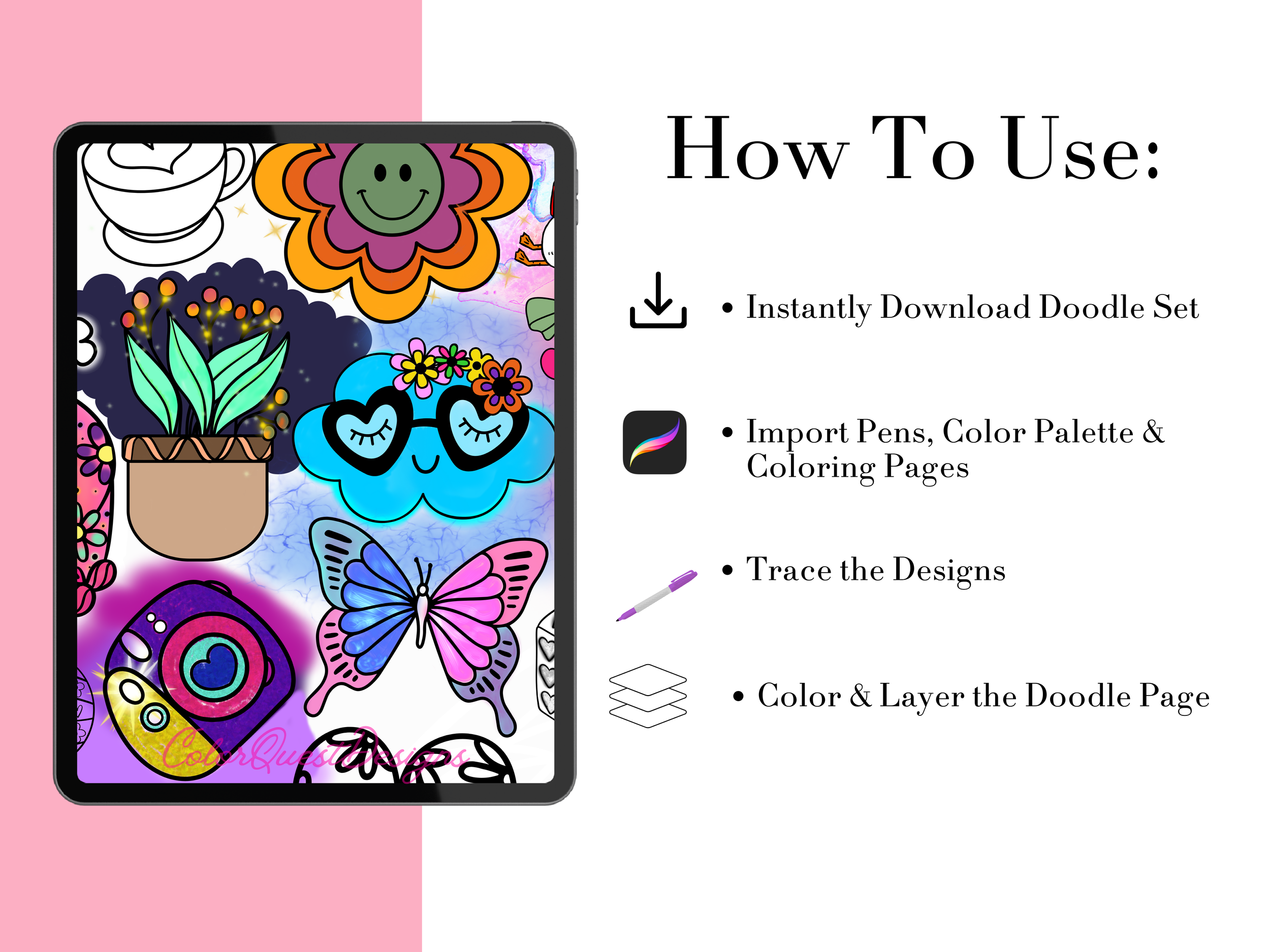
Download the ZIP file to your iPad (from the confirmation page or download email).
Open the file in the Files app and unzip it.
Tap each .swatches, .brush, and .brushset file — Procreate will open and auto-import them.
Open the PNG in Procreate, create a new layer underneath it, and start coloring!
📜 License
This item is for personal use only.
Redistribution, sharing, or selling the files in any form is not allowed.
✨ Please Note:
This is a digital download only – no physical product will be shipped.
Colors may vary slightly depending on monitor and printer settings.
Final product will be watermark free.
For personal use only. Not for resale or commercial use.
👾✨ **Monster Doodle Page
Dive into a world of cute chaos with the Monster Doodle Page — a highly detailed, fun, and whimsical digital coloring page packed with quirky characters, tiny creatures, silly monsters, snacks, stars, doodles, and tons of playful elements.
Perfect for Procreate artists, digital colorists, beginners, and anyone who loves extra-detailed pages that keep your creativity flowing.
💥 What Makes This Monster Page Special
Ultra-detailed PNG — so much detail that most people finish it over several coloring sessions
Beginner-friendly + relaxing
Works beautifully with Procreate, iPad, or any digital coloring app
Includes custom Procreate brushes for clean, smooth coloring
Comes with 3 color palettes created for this doodle:
Vibrant Fusion Palette
Soft Vivid Palette
Monsters Palette
Encourages creativity, stress relief, and long coloring sessions
This page is specially designed to keep you engaged — you can zoom in to color tiny characters, hidden details, and every little pattern.
It’s truly a “hours of fun” coloring experience.
📦 What You Receive
You’ll automatically get a ZIP file containing:
✔1 High-Resolution Monster Doodle PNG (no heavy watermark — only one tiny brand mark)
✔3 Procreate Color Palettes (.swatches)
✔Procreate Brushes (.brush / .brushset)
✔Quick Procreate import guide
📥 How Downloads Work on Squarespace (Instant Access)
After purchasing from my Squarespace website:
At checkout, you will be taken to the Order Confirmation page.
A Download button will appear — click it to instantly download your ZIP file.
You will also receive an email with a secure download link.
You can re-download your files anytime—no expiration.
If you made a customer account on my site, the files will also appear under:
Your Account → Downloads
Super simple, no waiting.
🎨 How to Import into Procreate
Download the ZIP file to your iPad (from the confirmation page or download email).
Open the file in the Files app and unzip it.
Tap each .swatches, .brush, and .brushset file — Procreate will open and auto-import them.
Open the PNG in Procreate, create a new layer underneath it, and start coloring!
📜 License
This item is for personal use only.
Redistribution, sharing, or selling the files in any form is not allowed.
✨ Please Note:
This is a digital download only – no physical product will be shipped.
Colors may vary slightly depending on monitor and printer settings.
Final product will be watermark free.
For personal use only. Not for resale or commercial use.

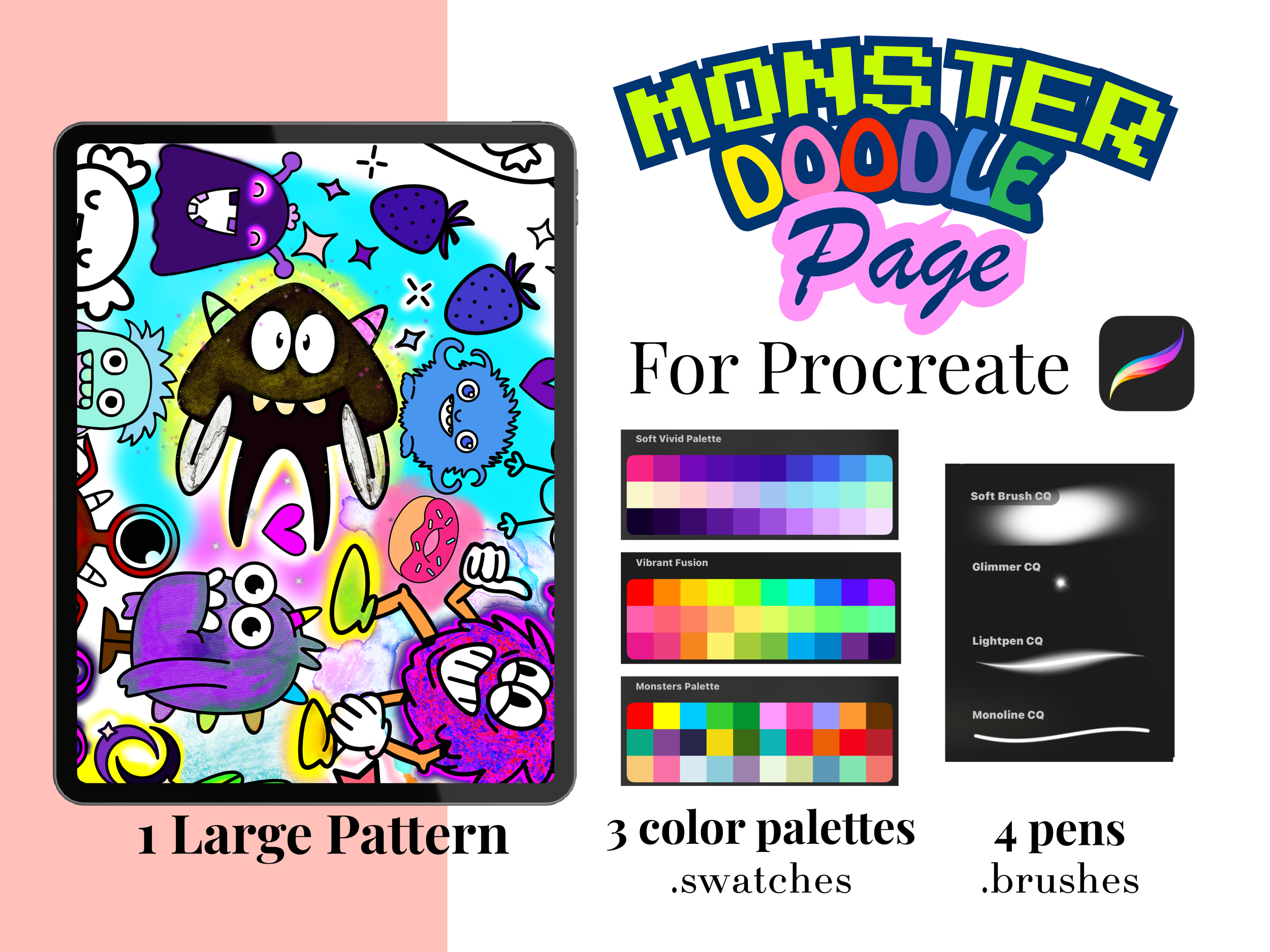 Image 1 of 10
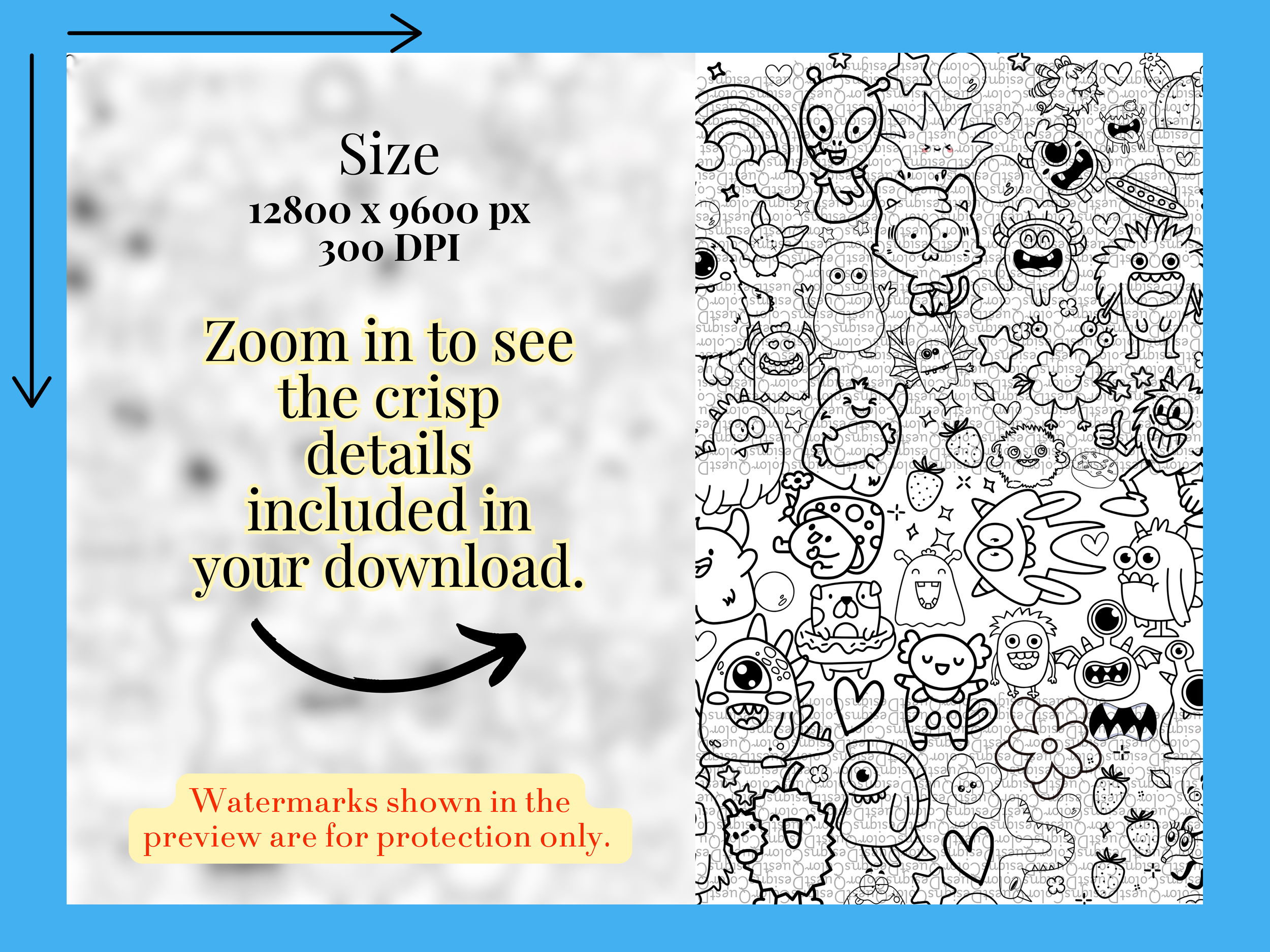 Image 2 of 10
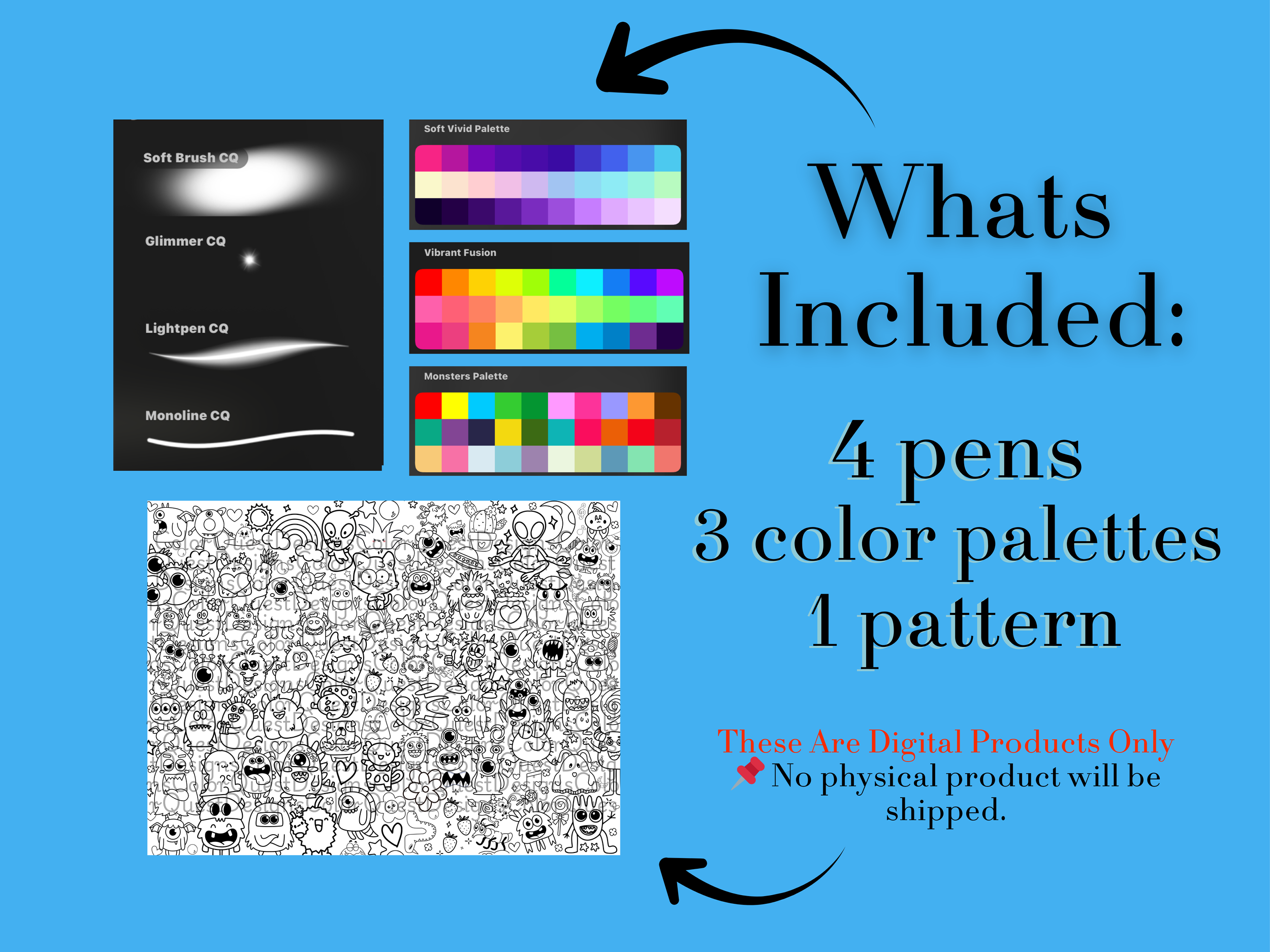 Image 3 of 10
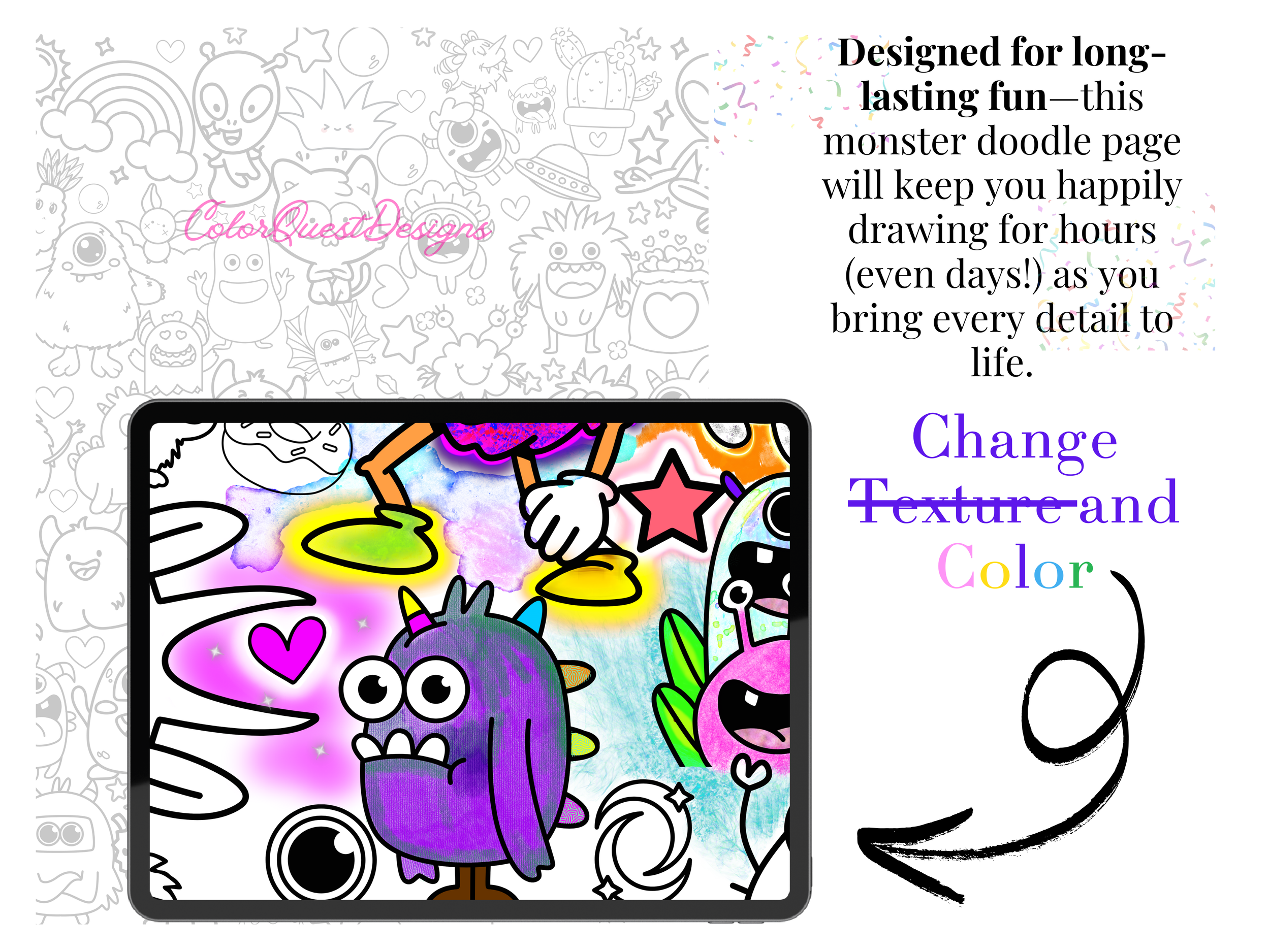 Image 4 of 10
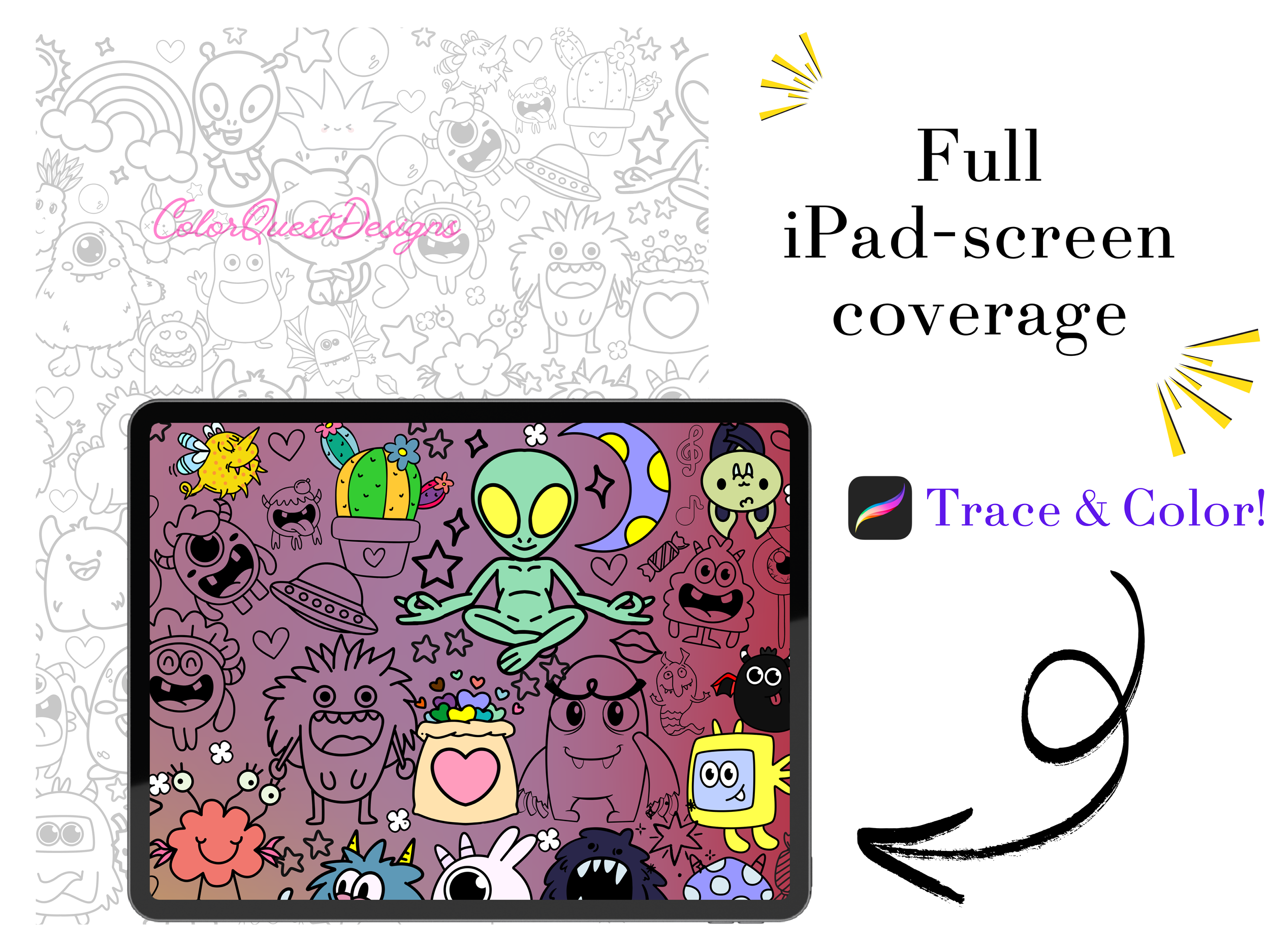 Image 5 of 10
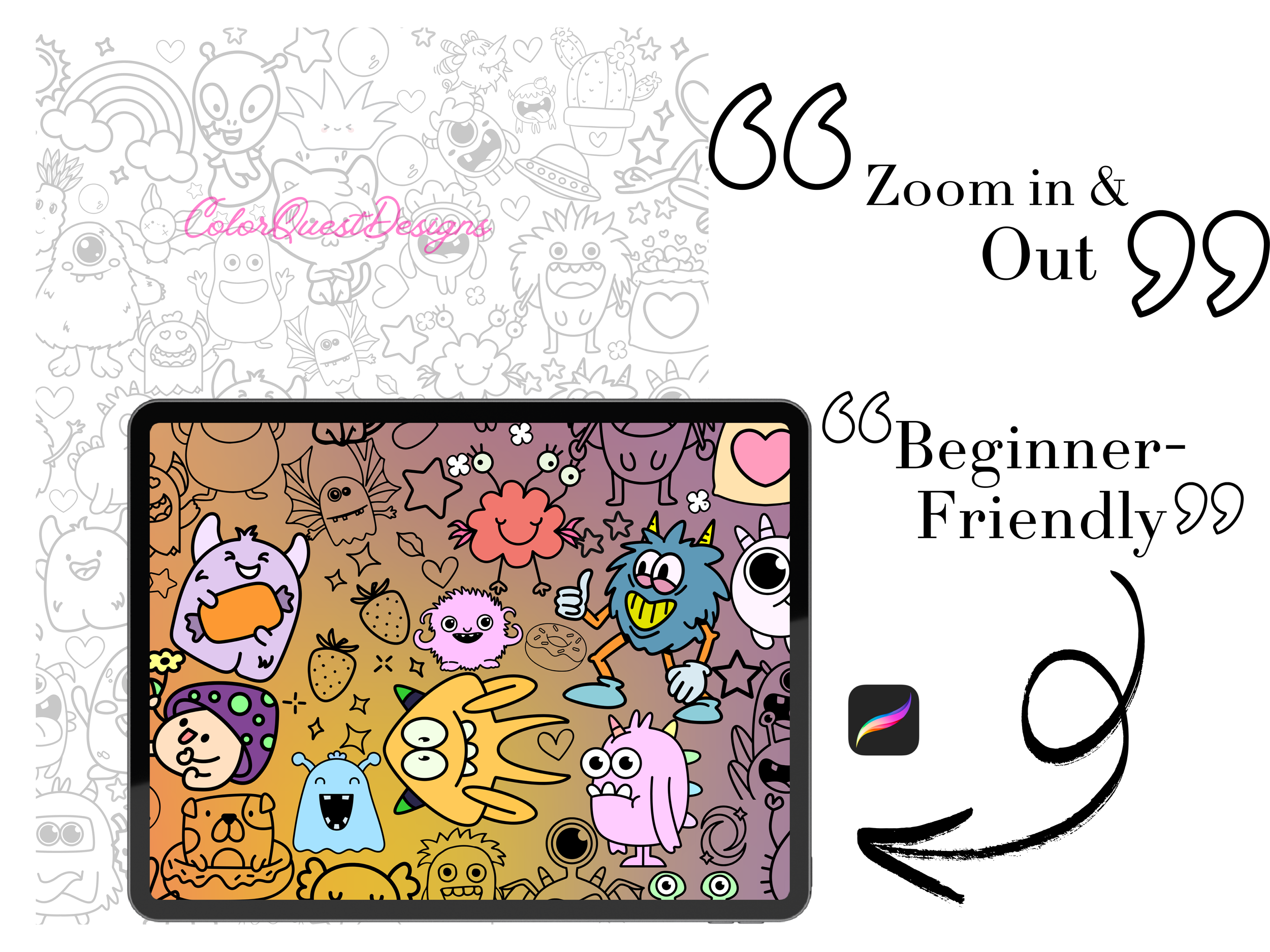 Image 6 of 10
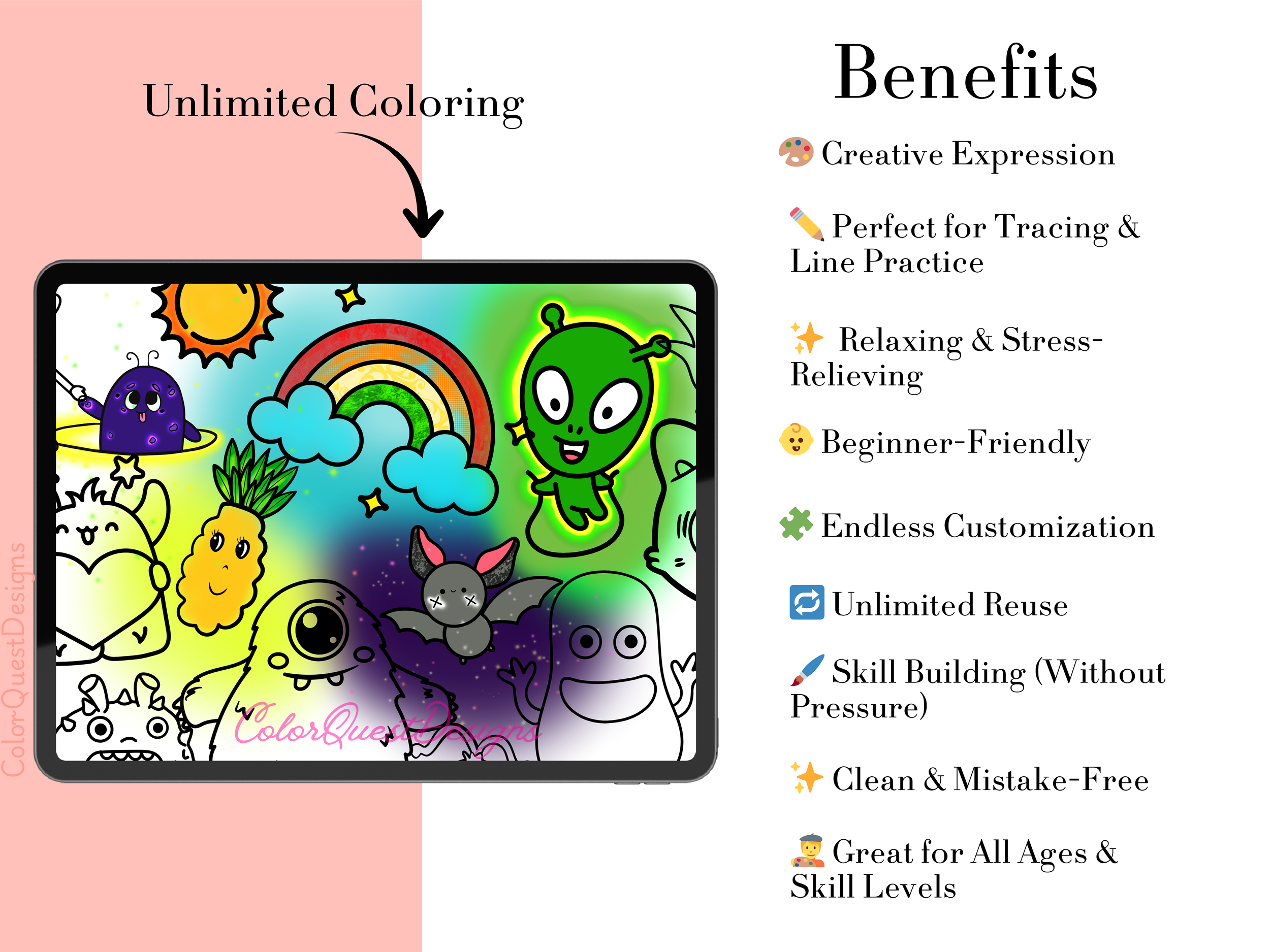 Image 7 of 10
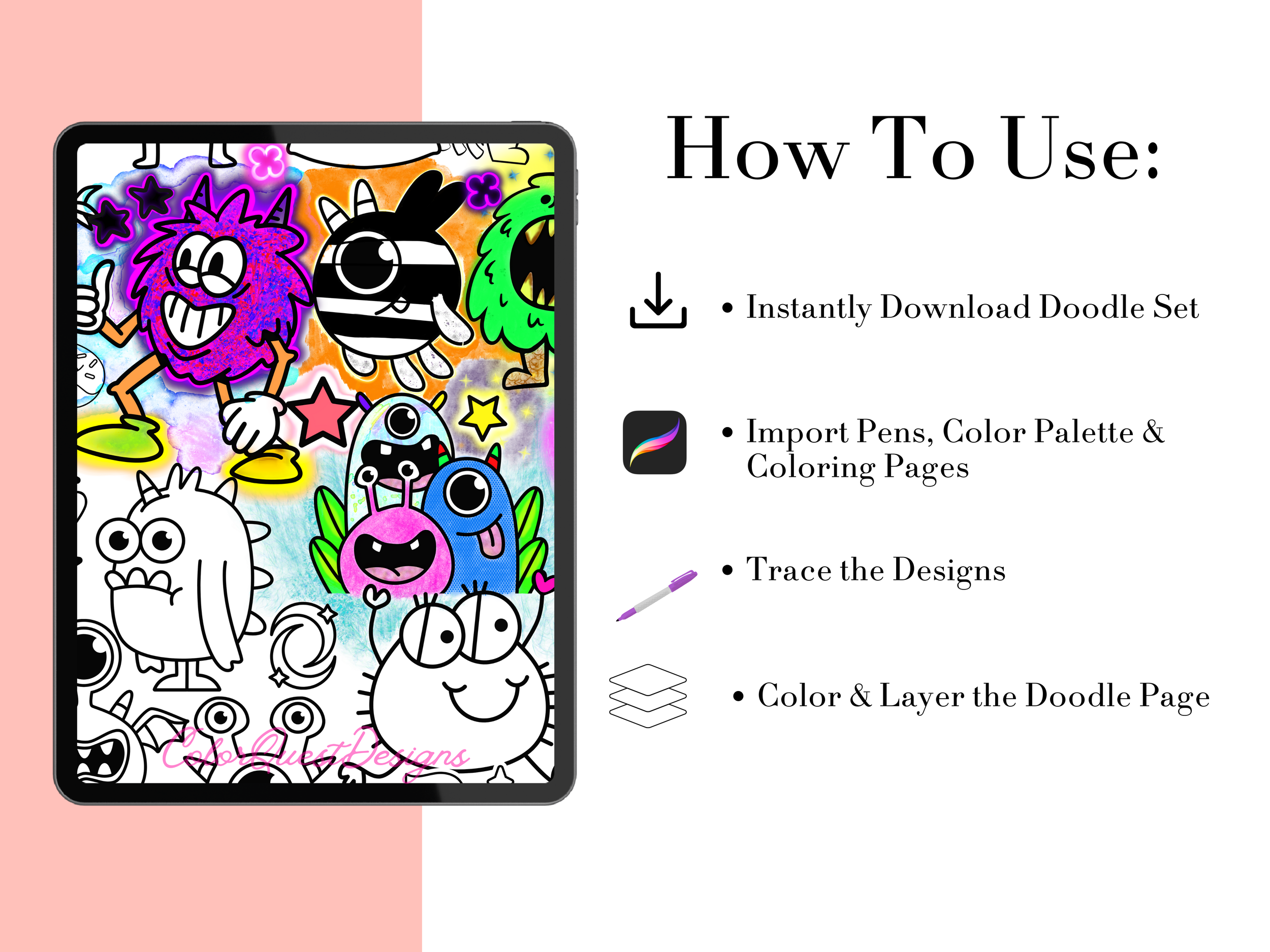 Image 8 of 10
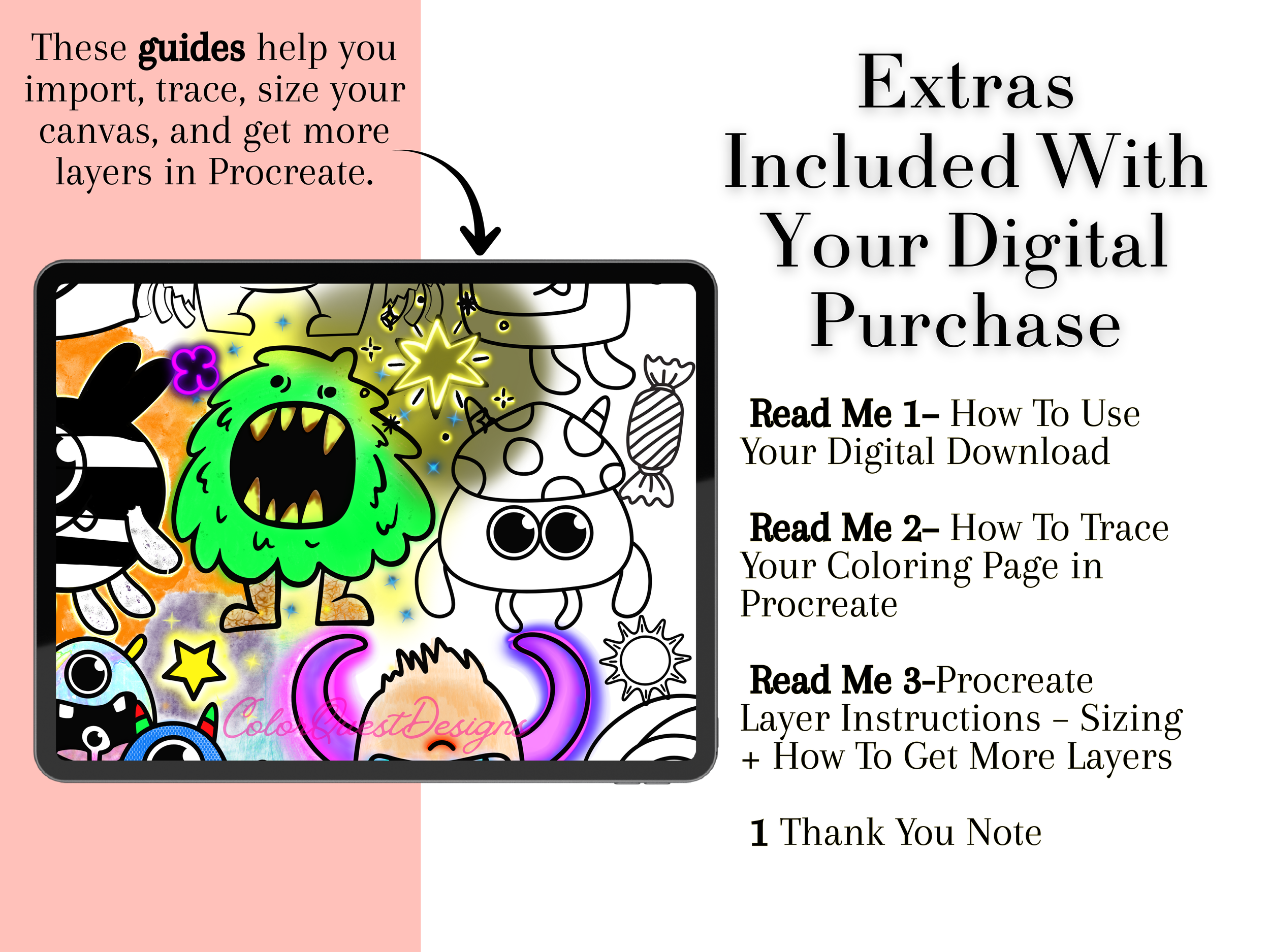 Image 9 of 10
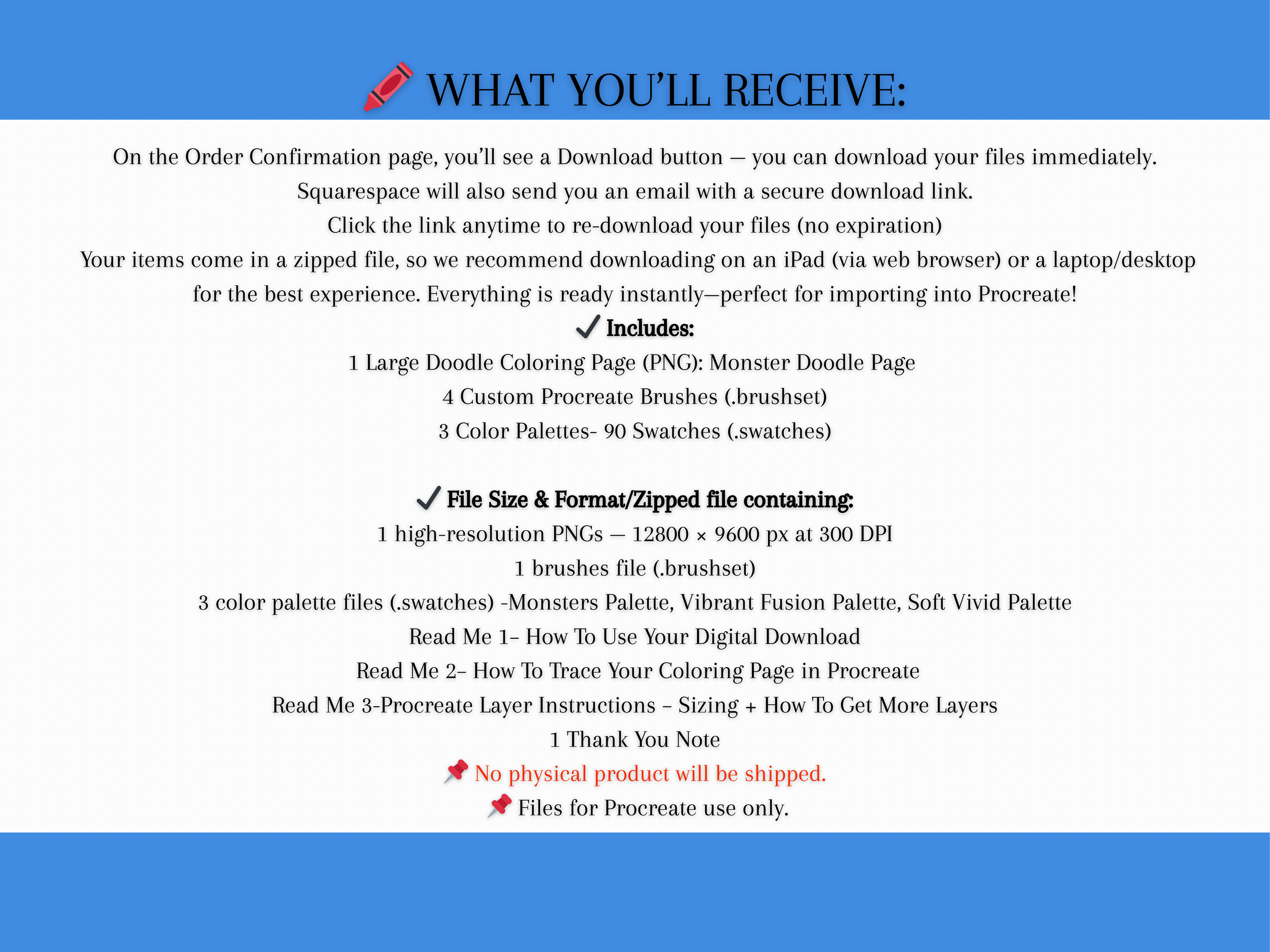 Image 10 of 10